
Open Source
AllureDeck
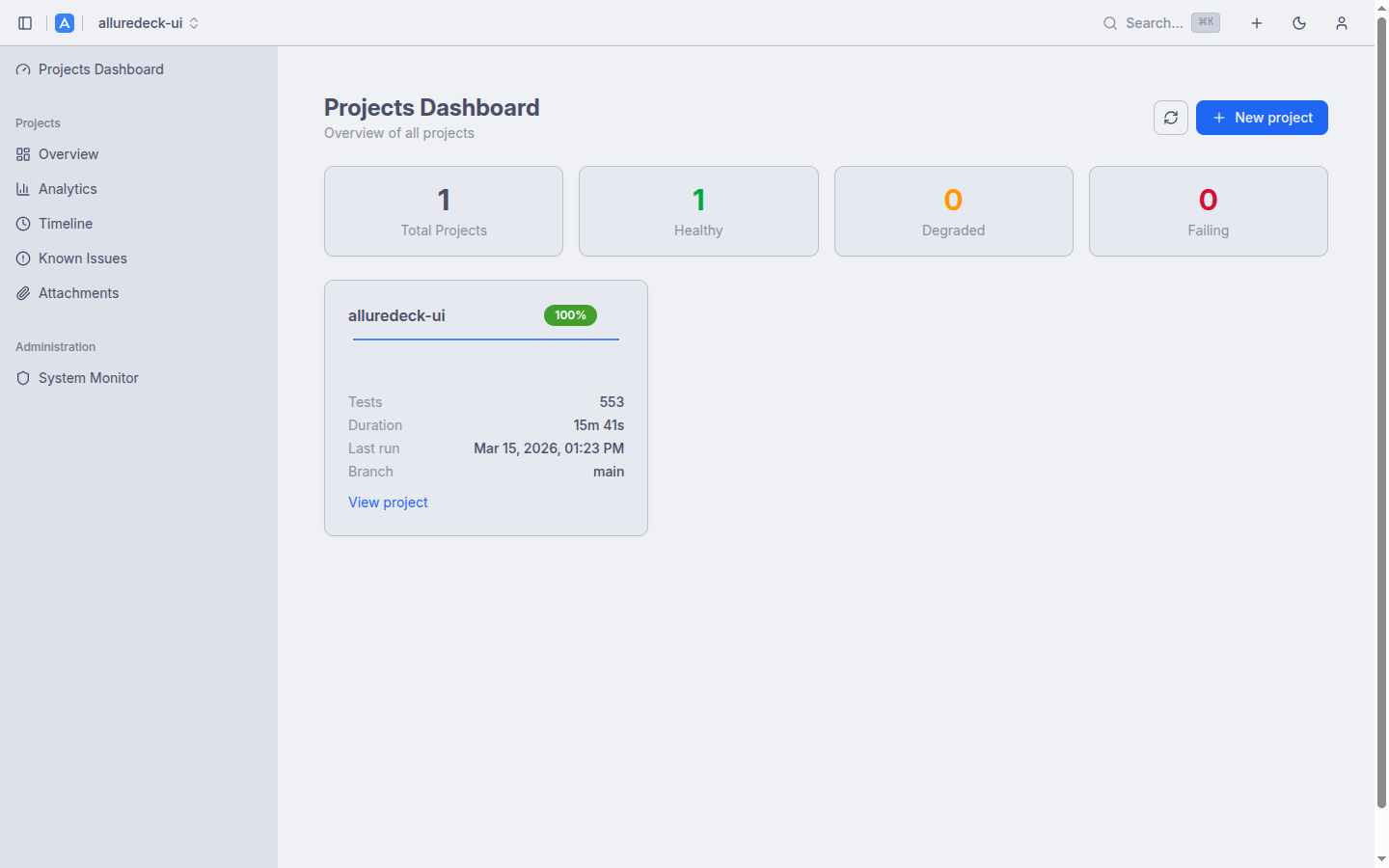
Allure Reports Dashboard.
Deploy with Docker Compose or Helm.
Allure Reports Dashboard.
Deploy with Docker Compose or Helm.
// Quick Start
Get up and running with Docker Compose or Helm.
# Download and start the full stack
$ curl -sL https://raw.githubusercontent.com/mkutlak/alluredeck/main/docker/docker-compose.yml \
    -o docker-compose.yml
$ docker compose up -d
$ helm pull oci://ghcr.io/mkutlak/charts/alluredeck
$ helm install alluredeck oci://ghcr.io/mkutlak/charts/alluredeck
$ helm install alluredeck oci://ghcr.io/mkutlak/charts/alluredeck \
    --set api.ingress.enabled=true \
    --set api.ingress.host=allure.example.com \
    --set ui.ingress.enabled=true \
    --set ui.ingress.host=allure.example.com
// Capabilities
Everything you need to manage Allure test reports at scale.
🚀 What's new in v0.34
Health summary cards, sparkline charts, pass rate badges, and project tags. See all your projects at a glance.
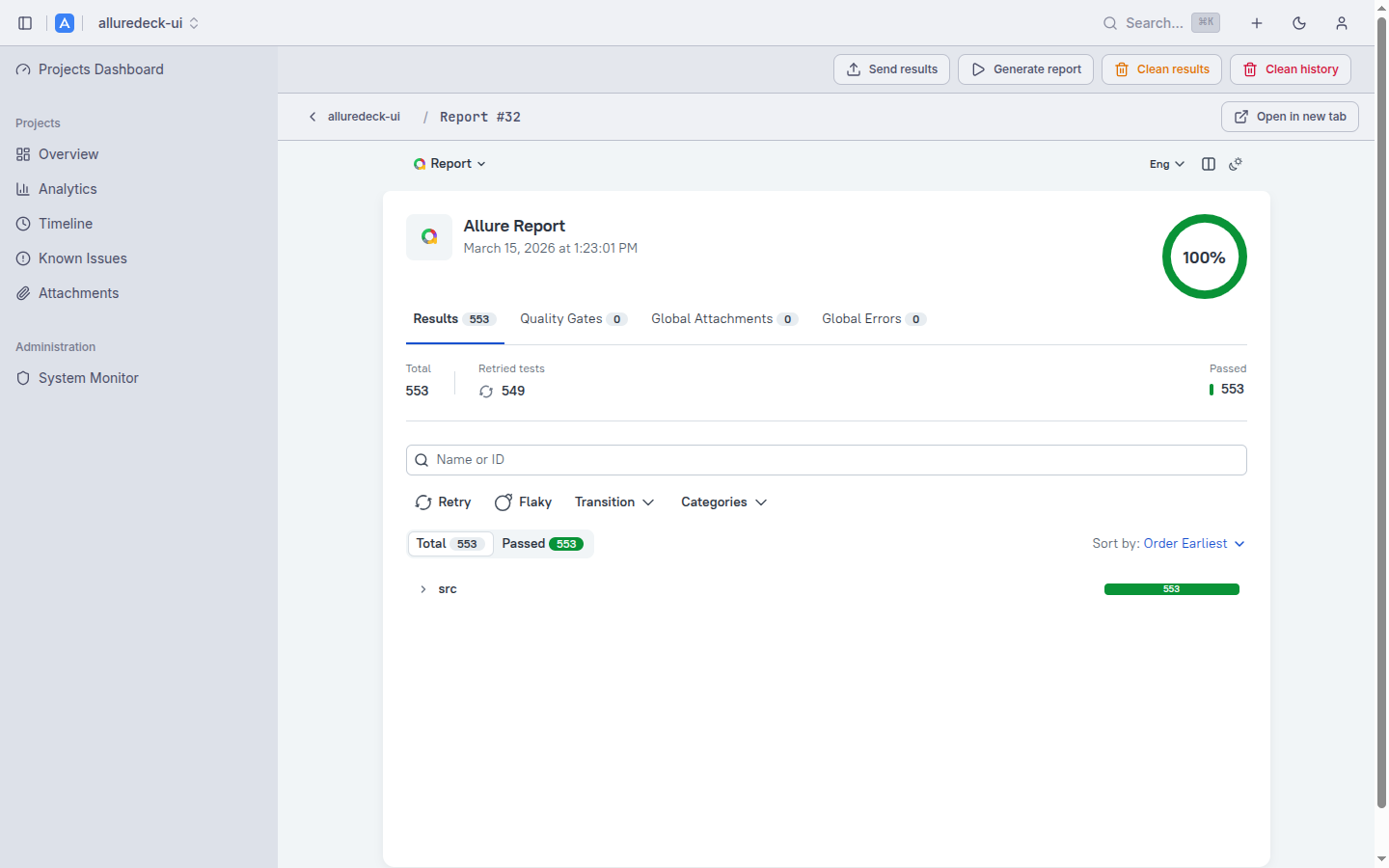
Embedded report viewer with breadcrumb navigation. Supports both Allure 2 and Allure 3 formats automatically.
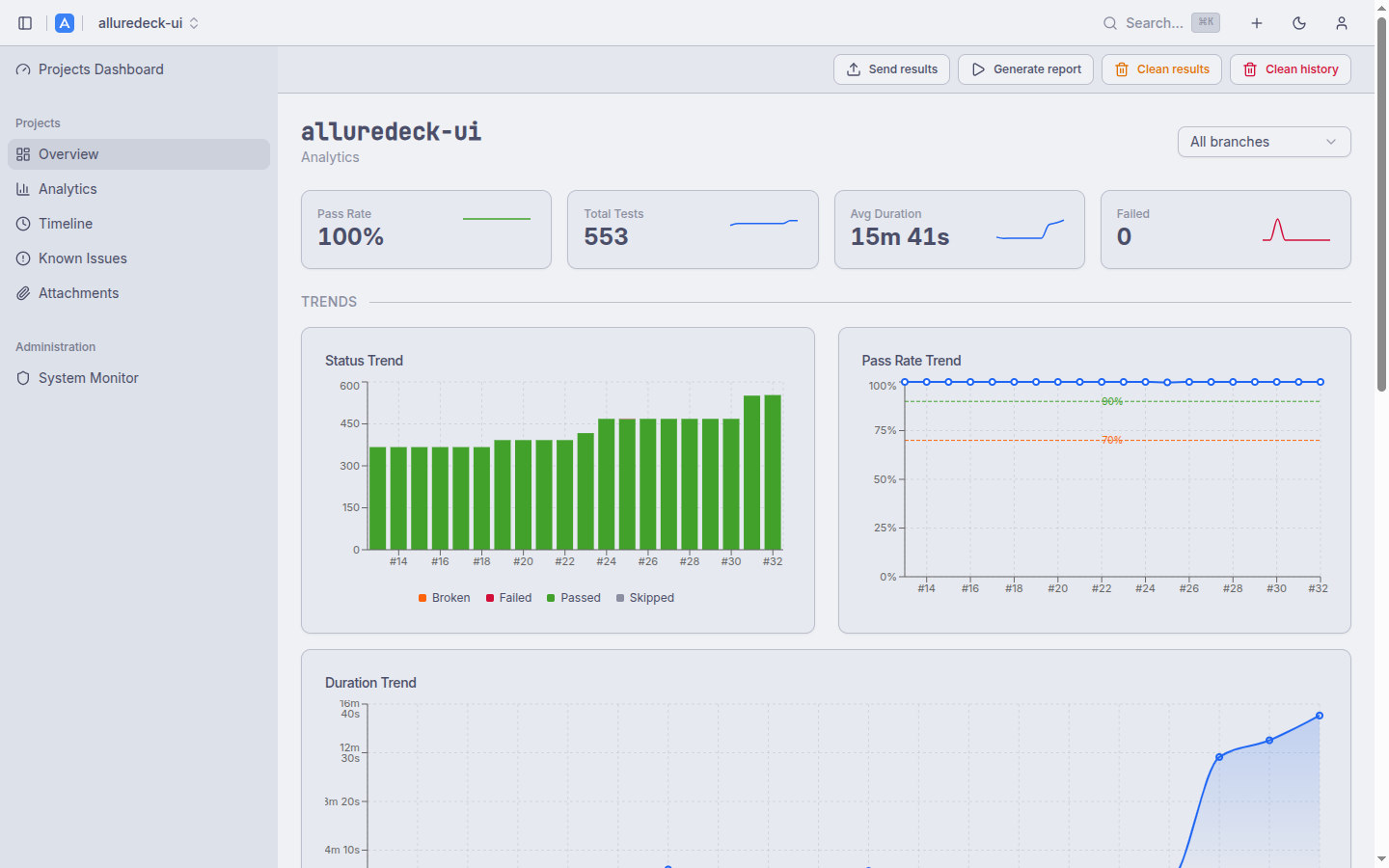
Server-side computed analytics: status trends, pass rate, duration, failure categories. Branch filtering and KPI sparklines.
Interactive D3.js Gantt chart with minimap, zoom, and brush controls. Identify bottlenecks in parallel test suites.
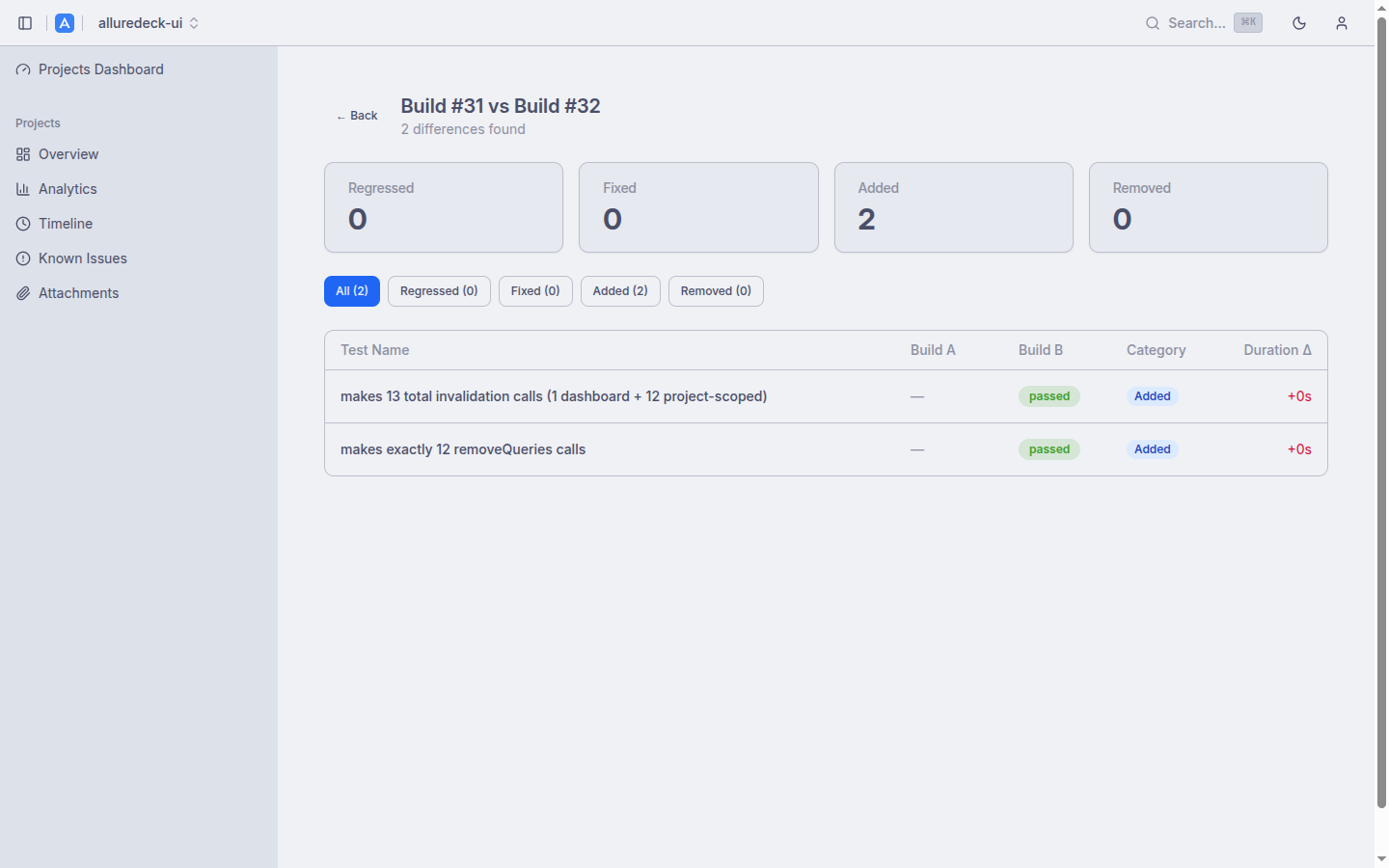
Select two builds to see regressions, fixes, added, and removed tests. Filter by category with duration deltas.
Fingerprint-grouped defect view surfaces recurring failures across builds. Categorise and track root causes with heuristic normalisation.
Authorization Code + PKCE flow. 3-level roles (admin, editor, viewer). Azure AD, Keycloak, Okta, Google support.
Programmatic access with ald_ prefix keys. SHA-256 hashed storage, role-based, optional expiry dates.
tar.gz uploads processed by River workers with real-time phase and progress tracking via /jobs/{id}.
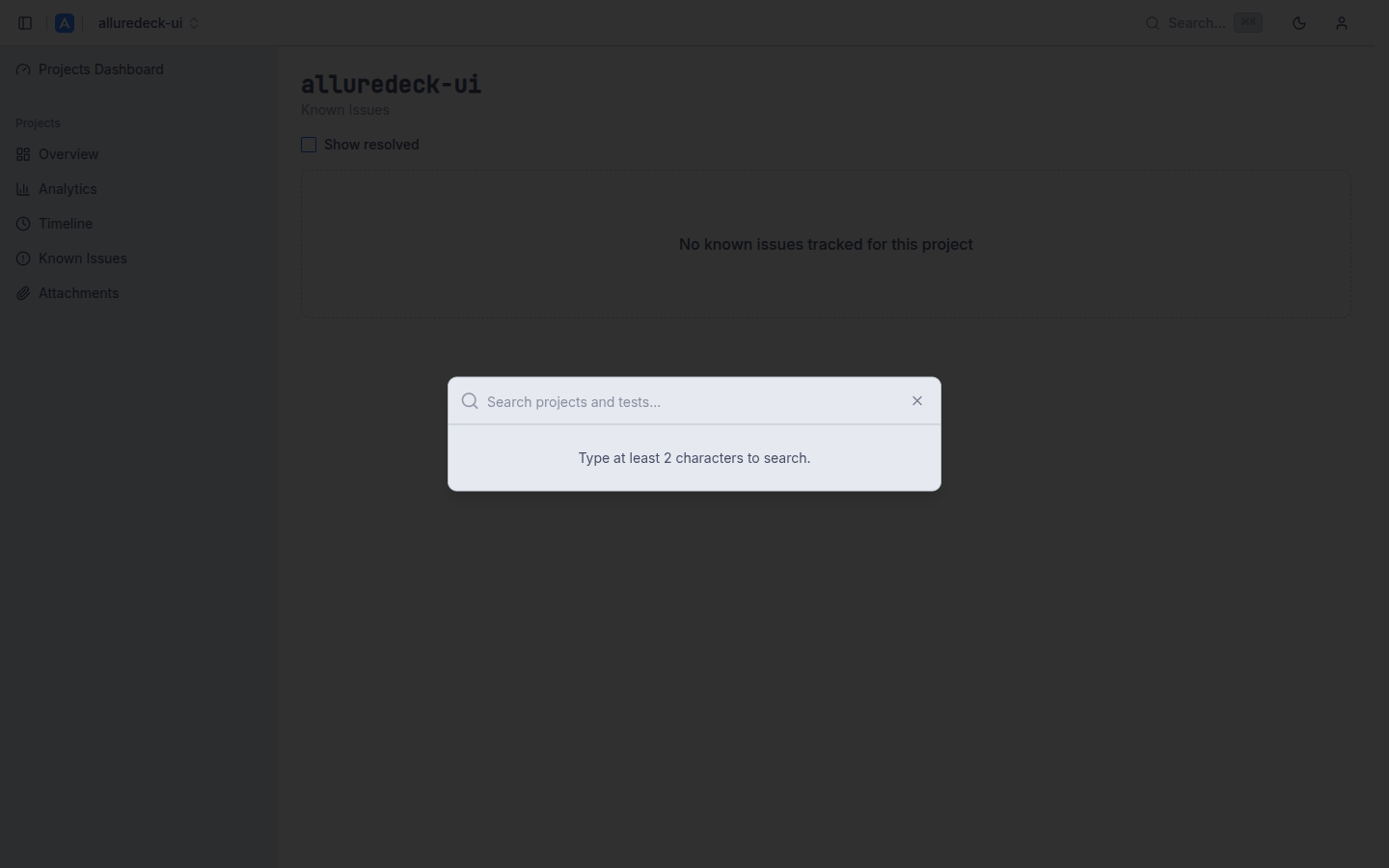
Cmd+K command palette with PostgreSQL full-text search. Find projects and tests instantly.
Push build results to Slack, Discord, Teams, or any HTTP endpoint. Per-project rules, configurable triggers.
Catppuccin Latte and Mocha themes. Persistent preference with keyboard shortcuts for power users.
// Preview
Screenshots from the AllureDeck dashboard.
// System Design
Two-component deployment: API handles report processing, UI serves the dashboard.
Frontend: React 19 + Vite + Tailwind CSS 4 + shadcn/ui + Radix primitives. Backend: Go API with River workers for async jobs, PostgreSQL with full-text search, S3-compatible object storage. Each component runs as a separate Deployment with dedicated Service, ServiceAccount, and optional NetworkPolicy. CORS is auto-configured when ingress is enabled.
// Resources
Documentation, source code, and support.